Do you love listening to music? What if your phone does not support any music format? Its simple you get irritated right? So here is the answer for all your questions. Windows phones does not support video format
like WMV3 and also third party with its own proprietary server software
is needed to play videos. However this default can be recovered by
simply downloading various media players that you wish to play videos on
your windows phones in high quality.
So, if you want your windows phones to access all other video formats. The 5 best Media Players for Windows which will provide you with guaranteed results are as follows.
List of 5 Best Media Players for Windows
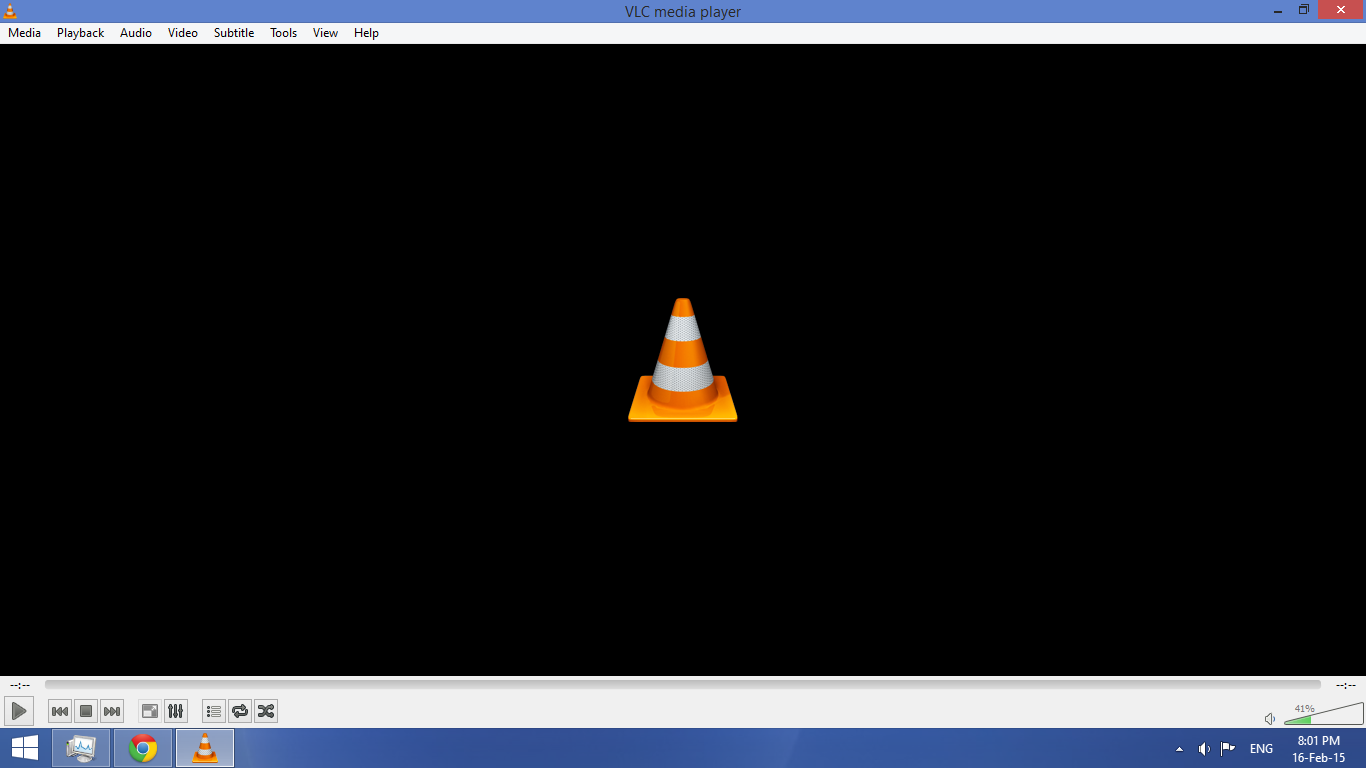
1)VLC Media Player : VLC converts VLC video stream
into a format that is supported by windows and can also play all broken
files, there is no reason that it gives its users not to use VLC media
player. According to developers it can also be used on Mac or Linux.
It`s been used by more than 1k people, are you ready to join the best
video experience as it can offer? Downloading it can reduce the daily
struggle which you face with other media players.To Download VLC Media Player click on the link given below:-
2)Real Player : Real player is also known as Real
One Player, it is a cross player created by Real Networks used to play
recorded media. Real Player is compatible with number of formats like
3GP, MP3, MPEG-4, QuickTime and Windows media and has its own
proprietary of RealAudio and Real Video formats. This software is
available for both windows and windows phones and symbian version has been released.To Download Real Player click on the link given below:-
3)FLV Video Player : Plays FLV videos files from
internet and from SD card if available. It has only five button
interface which does not need a help file. To watch FLV video files from
Youtube or from internet you need a special player, and this player has
that specialty. It can play both audio and video files for you.To Download FLV Video Player click on the link given below:-
4)mPlayer : MPlayer is a popular media player that is both used for playing music and video on your windows phones.
It gives a super fine experience of viewing video and with the HD
quality of audio. The uniqueness of this media player is that it
supports all types of video formats. It can also identify all types of
flash videos. It has easy to use interface which is friendly to users.
Hence, you will get simple option of locating file, adding a URL without
impacting your device`s memory.To Download m Player click on the link given below:-
5)DivX Player : DivX player lets you watch movies on smart phones or windows phones.
Many of you have dream of watching new movies in the bus but now it has
became reality due to advancement in mobile technology. DivX player
lets you enjoy movies wherever you go, on your windows phones. It helps
you to watch AVI, DivX or MPEG movies in player window or you can even
watch on full-screen mode. This app can automatically scan your device`s
internal memory or SD card for compatible films. It comes with an unique feature that allows you to play around with sound tract.To Download DivX Player click on the link given below:-
------------------------------------------------------------------------------------------------------------------------------------
Watch the video to Learn More....






 Popular
 Tags
Tags


